
The Spark: A Real-World Phishing Case
Recently, our AXS Guard SOC handled a case where a phishing email used a maliciously crafted HTML document. The goal was simple and common: redirect a user to a fake OWA (Outlook Web Access) page to steal their credentials.
This modus operandi is pretty well known, easy to craft, and typically easy to analyze. But it got us thinking: how do modern web browsers and mail clients actually react to these attachments today? We decided to craft a test email and find out.
Attempt 1: The onerror Payload
The Payload:
The attachment was an HTML page named ethical_hacking_opswat_for_remote_red_teams.pdf.html, which is just long enough so that the html extension is cropped out. It uses a clever trick: an <img> tag that, upon failing to load a non-existent image, triggers an onerror event. This event executes Base64-encoded JavaScript stored in a data-digest attribute.
 Onerror delivery of obfuscated payload
How It Works:
The onerror script decodes the string in data-digest , which results in the following JavaScript:
 Decoded JavaScript after the onerror call
This script grabs the Base64-encoded string from the rty attribute of the <html> tag and decodes it. That decoded value, in our case a Rick Roll, is then set as the new window.location.href, causing the redirect.
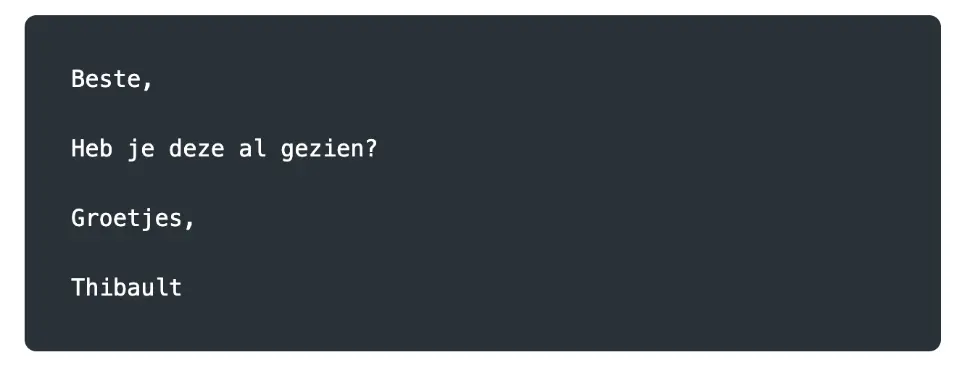
The email itself was simple and written in Dutch:
The Results: A Surprising Lack of Consistency
To our surprise, the behavior differed significantly across various mail clients.
» Read more*
*Rest of article in EN

Field notes from the SOC - 3 - Malware development to Rick Roll coworkers